Open Innovation Configuration
Open innovation is an approach that allows organizations to explore and incorporate external ideas and solutions to address their challenges and achieve their strategic objectives. Instead of relying exclusively on internal resources, open innovation involves collaborating with startups, entrepreneurs, universities and other external entities. This process not only expands the pool of available knowledge and creativity, but also accelerates the development and implementation of innovations.
Specific Settings for Open Innovation:
Allow Monitoring: This configuration allows startups and other external entities that submit their proposals to monitor the progress of their applications from the evaluation phase with its different stages to the experiment phase, post selection. By activating this option, startups will have access to real-time updates on the status of their submissions, feedback from evaluators, and notifications on the evolution of their proposals throughout the selection and implementation process. This transparency increases engagement and collaboration, ensuring that proponents are well informed and involved during all phases of innovation.
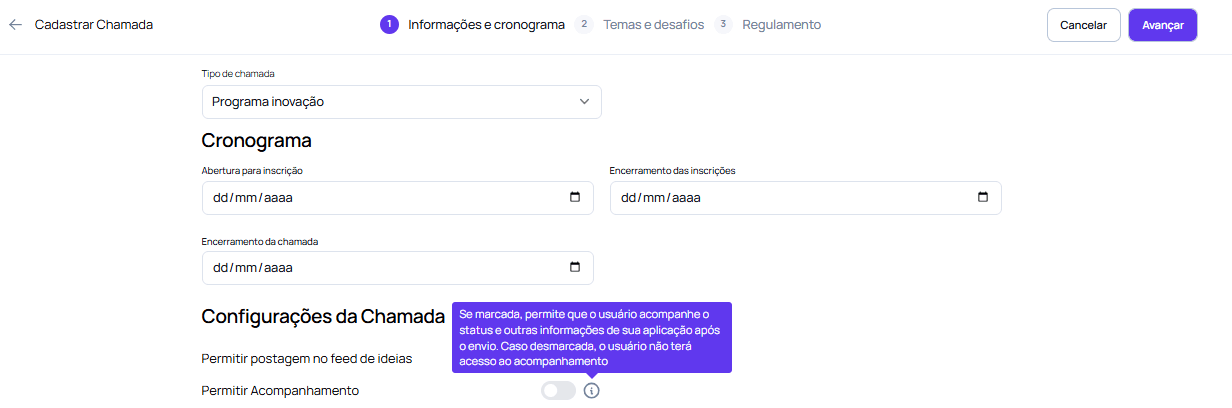
Allow Guest Applications: By configuring this option, you allow external applications from startups or entrepreneurs, which were not necessarily cataloged in the company’s database, to make submissions to the open innovation call through an external link directing to the landing page. This opens the door to a greater and more diverse number of proposals, allowing innovative ideas to come in from a variety of sources. External guests bring new perspectives and valuable contributions, expanding the horizon of potential solutions to the challenges faced by the organization.
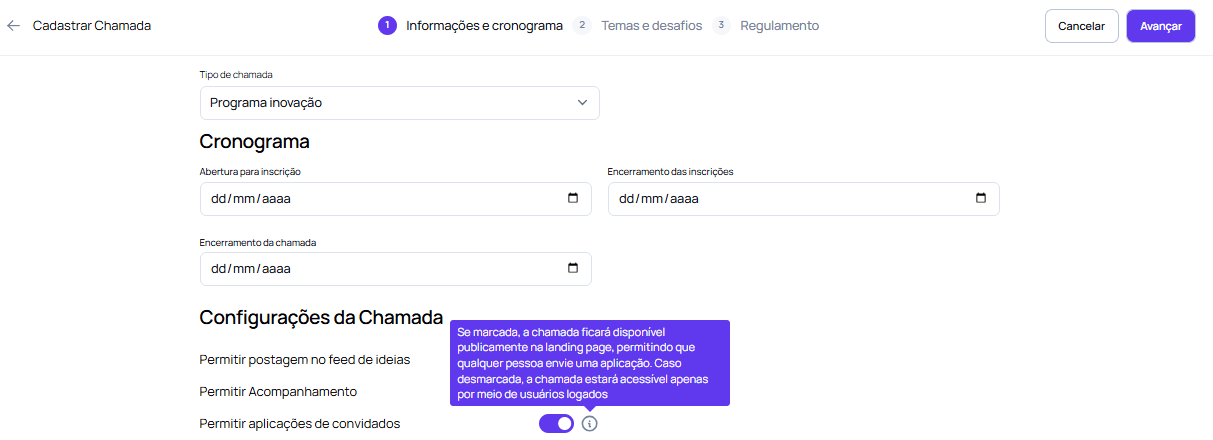
These settings are crucial to the success of an open innovation program, ensuring that the process is inclusive, transparent and collaborative, maximizing the chances of identifying and implementing effective innovative solutions.
Other Settings (optional)
View by Hierarchy This configuration allows users to have restricted access to applications submitted by their direct reports, instead of viewing all proposals in the system. To do this, the user must be registered as a direct supervisor in each employee’s registration. This functionality ensures a more organized and relevant view for team leaders, facilitating the monitoring of submissions that are directly under their supervision and ensuring that access to information is appropriate to the level of responsibility of each manager.
 Highlight Program
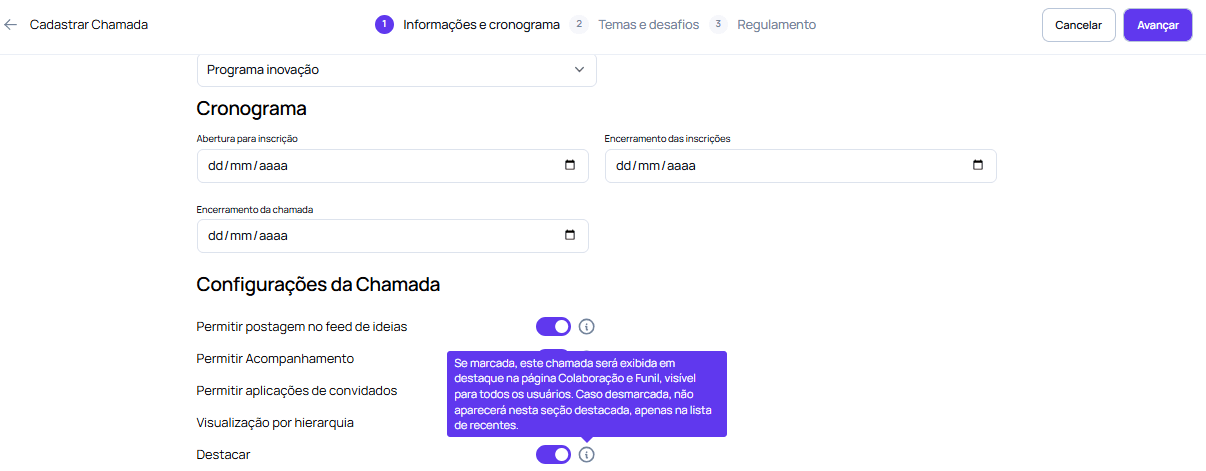
This option uses the innovation program banner as an important visual “call to action” when accessing the platform, bringing more dynamism and attractiveness to the call. By displaying the banner prominently, the platform gives greater visibility to the program, promoting engagement and attracting the attention of employees. This configuration is useful as an internal marketing point, reinforcing the importance of the call and encouraging the active participation of those involved in the innovation process.
Highlight Program
This option uses the innovation program banner as an important visual “call to action” when accessing the platform, bringing more dynamism and attractiveness to the call. By displaying the banner prominently, the platform gives greater visibility to the program, promoting engagement and attracting the attention of employees. This configuration is useful as an internal marketing point, reinforcing the importance of the call and encouraging the active participation of those involved in the innovation process.
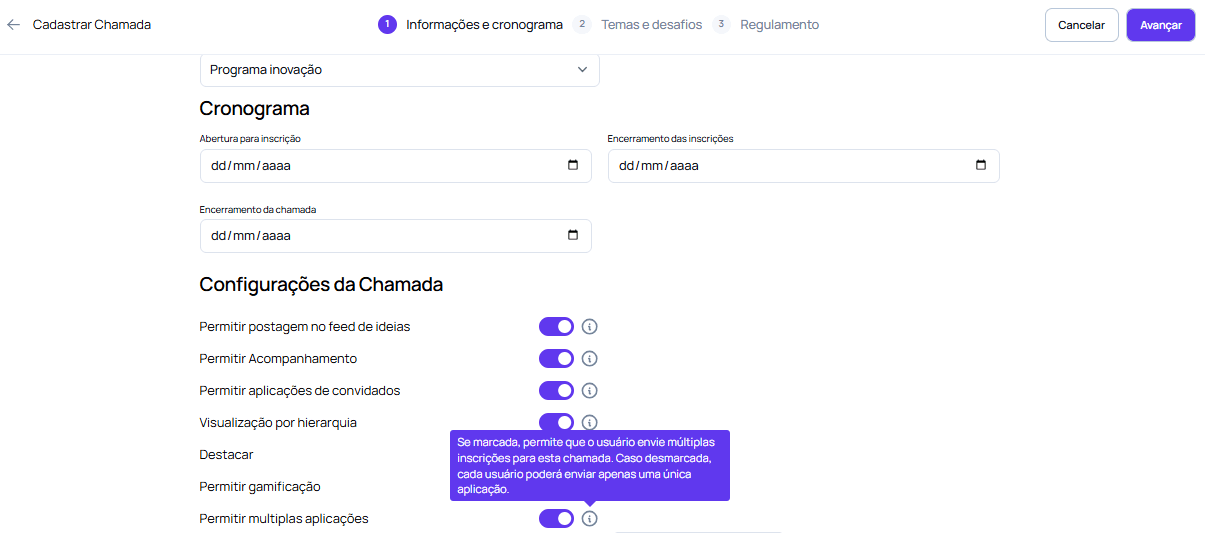
Allow multiple applications This configuration defines whether participating startups and entities will be able to submit more than one proposal within the same call. When activated, it allows the sending of multiple registrations by the same user, enabling the presentation of different solutions or projects. If it is disabled, each participant will only be able to submit one proposal. This flexibility is essential in calls that seek to encourage a diversity of ideas and approaches to the same challenge.
These are the possible configurations for Open Innovation programs. To access the other settings, see the Intrapreneurship programs section.